A growing up video where you watch them grow
A growing up video follows one person from their earliest photo to today. With LifeStory each photograph grows into the next one, so the years pass as one continuous film rather than a slideshow.
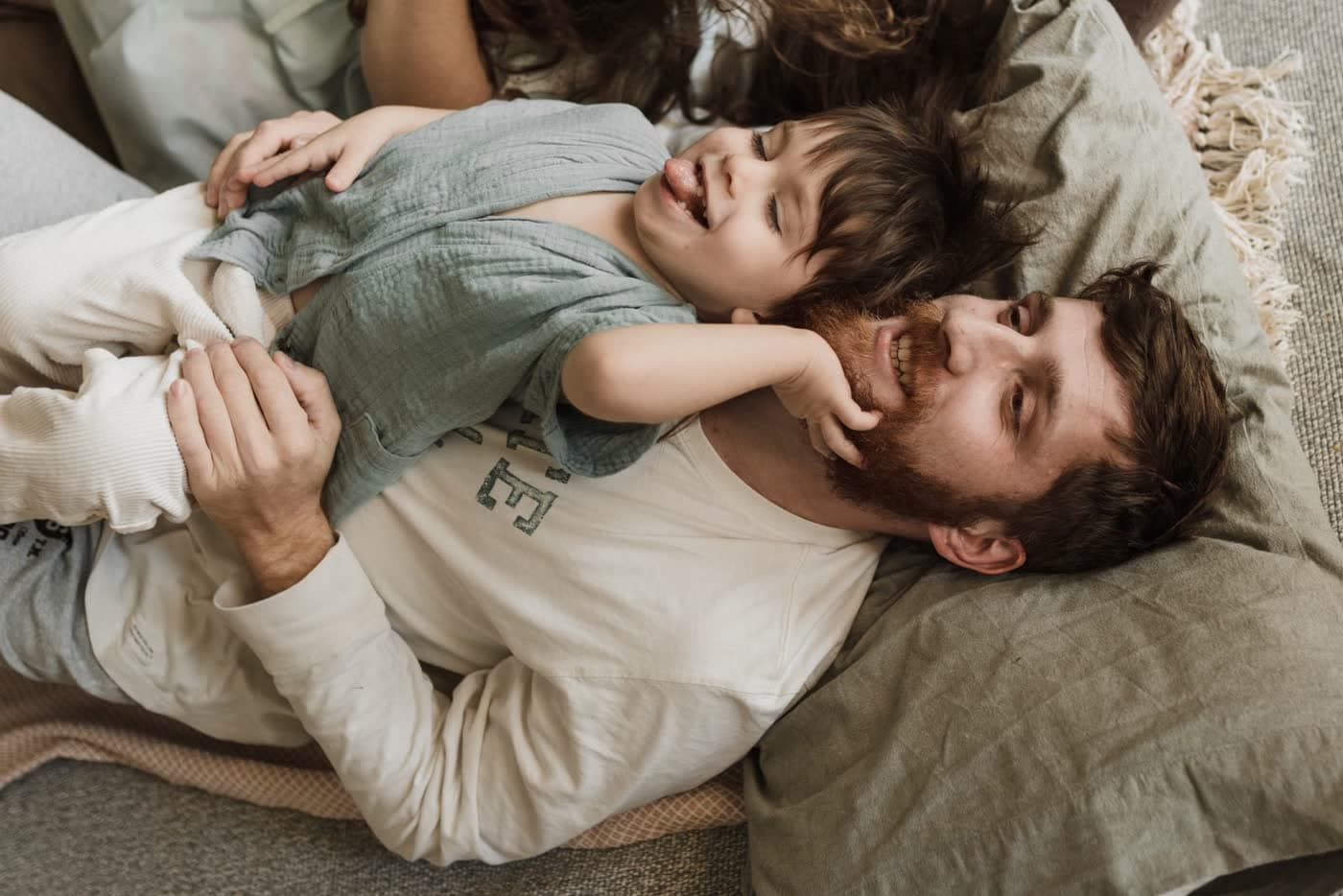
An example film: “Noa, 0 to 18”
- 1
The first years
Newborn in the hospital blanket, first steps in the living room, a birthday cake on the floor. Each photo grows into the next.
- 2
School years
The first day with a backpack too big, the class trip, the braces. The pace picks up with the music.
- 3
Today
The graduation photo, and the last frame holds on a smile with your opening words returning on screen.
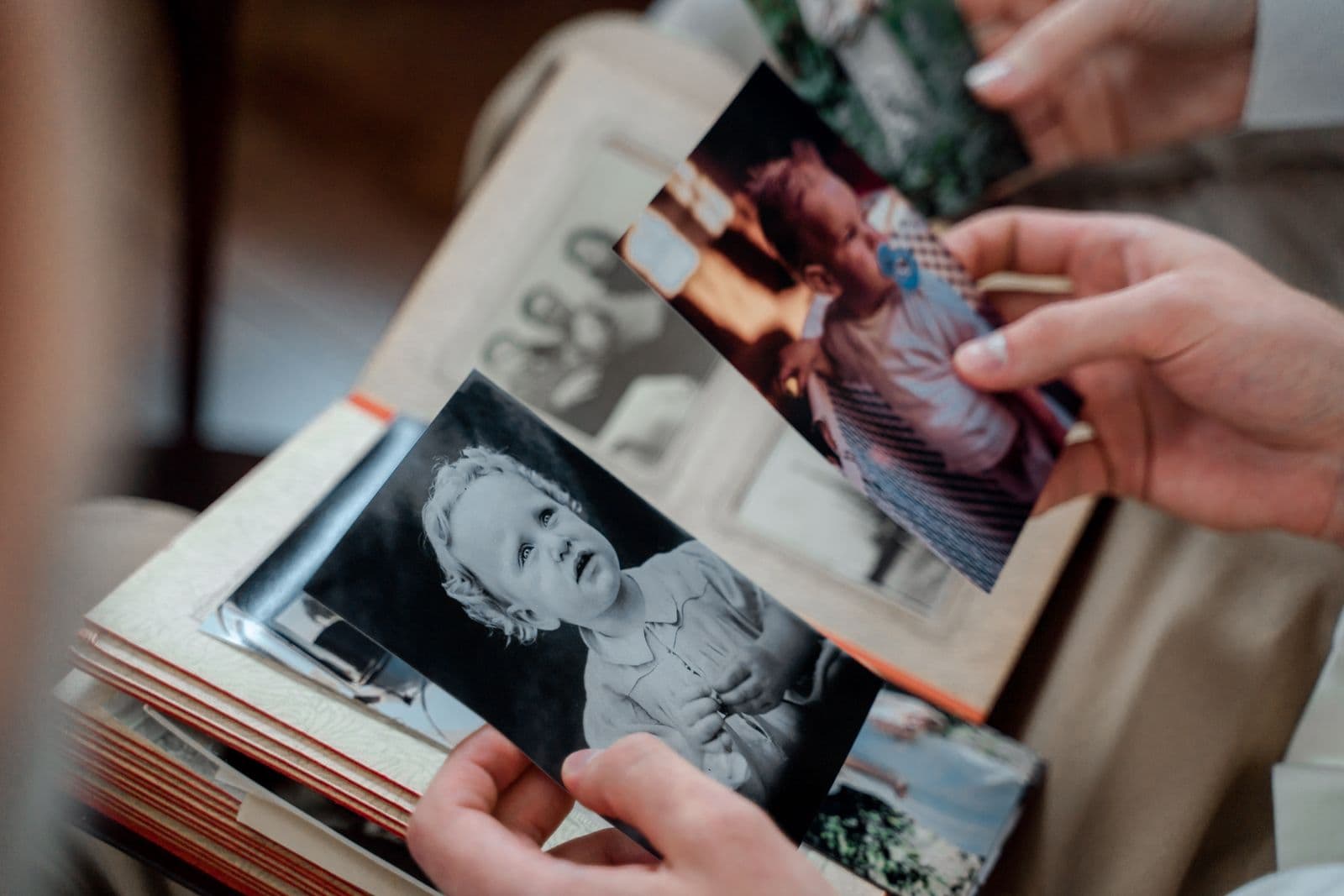
Photos to gather
- One photo from each year, or each school year, if you have it.
- The first photo ever taken of them, even if it is blurry.
- Faces turned towards the camera work best, at a similar distance from one photo to the next.
- Old prints photographed flat with your phone, in daylight, without flash.
What makes a growing up video work
- Keep to one person. A growing up film is about watching one face change.
- Twenty-five to thirty-seven photos make a two to three minute film that holds attention.
- End on a recent photo they love, not the most formal one.
Questions about this film
Do I need to put the photos in order?
Yes, from the youngest to the oldest, because each photo grows into the one after it. You can move any photo earlier or later before you animate.
Can I make a growing up video from old printed photos?
Yes. Photograph the print with your phone, flat and in daylight. Faded and scratched photos still animate; very small faces animate less.
How long should a growing up video be?
For a party screening, two to three minutes is right. Packages run from one to six minutes: thirteen photos for the first minute and twelve for each minute after.
Other films people make
Their whole childhood, in one film
Start with the photos on your phone. You pay once, when you choose the film’s length.
Start this film